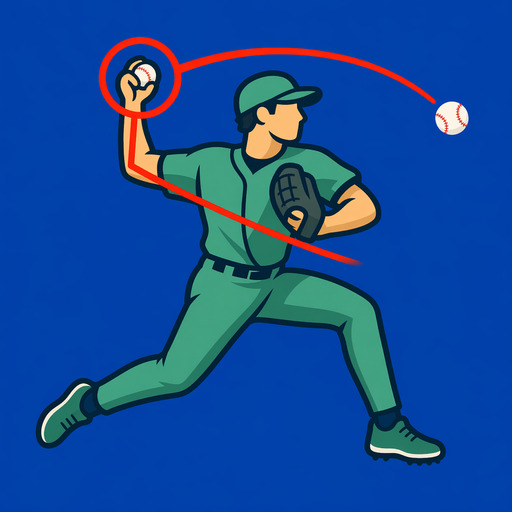
Build a baseball video journal you will actually use.
A camera roll stores files. A practice journal stores the reason each clip matters and makes useful comparisons easy to find later.
Save representative clips
Keep the rep that shows the pattern, the rep that shows the correction, and a comparison reference. Saving everything makes retrieval harder.
Tag the baseball context
Use tags for hitting or pitching mode, drill, pitch source, session goal, or another category you will search later.
Write one useful note
Capture the cue, intent, result, and what to test next. A short specific note beats a long summary written weeks later.
Favorite the clearest references
Mark a small number of clips that represent the camera angle, movement, or checkpoint you want to reproduce.
Compare on a schedule
Review recent clips against an earlier reference after enough practice to expect change. Constant comparison between consecutive reps can amplify noise.
Export before deleting the app
BaseballDraw keeps its library on the device. Export anything important before deleting the app or moving to a new device without a supported transfer path.