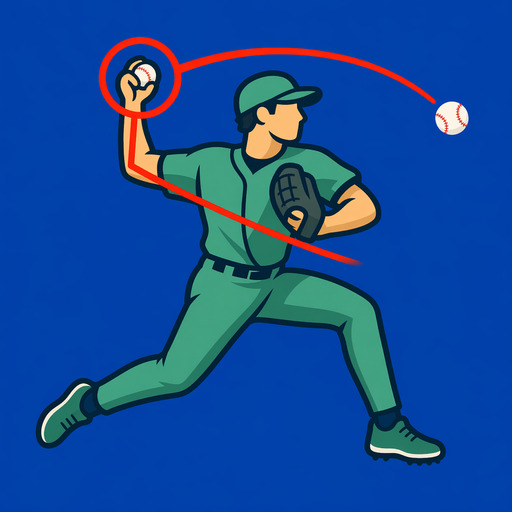

Capture
Record in BaseballDraw or import a clip from Photos. Use hitting or pitching mode to keep the review focused.
See the frame you missed at full speed. Draw on your hitting or pitching video, compare two sessions, and share a clear checkpoint with your coach.
$7.99 once. No subscription. Every feature included. No in-app purchases, ads, or account. See pricing details.
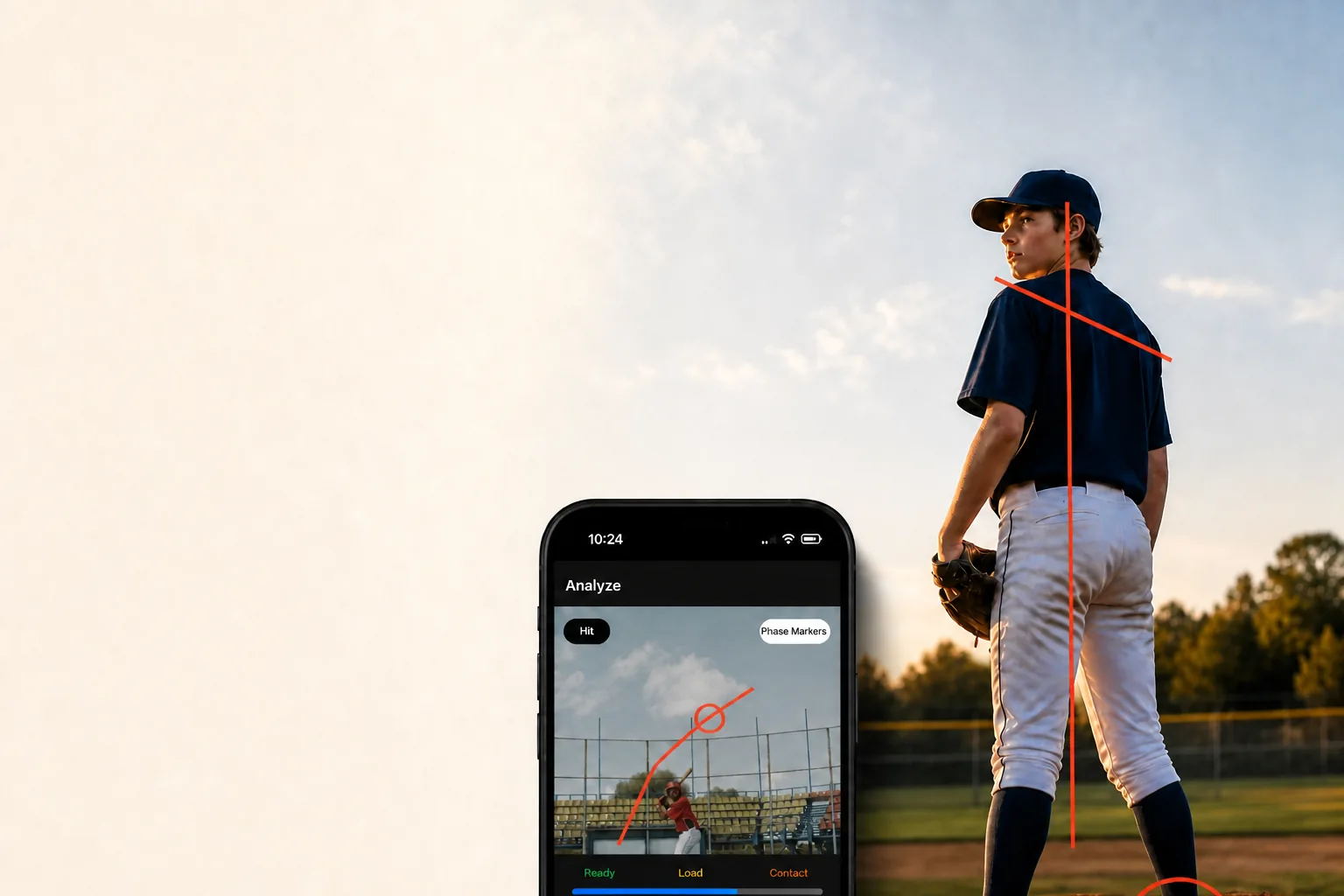
Film the full movement from a stable position. For a swing, keep the hitter, bat, and contact area in frame. For pitching, keep the delivery and release visible. Compare clips from the same view before drawing conclusions about a change.
A video overlay is a review aid. It is not a radar reading, a medical assessment, or a substitute for a coach’s interpretation.
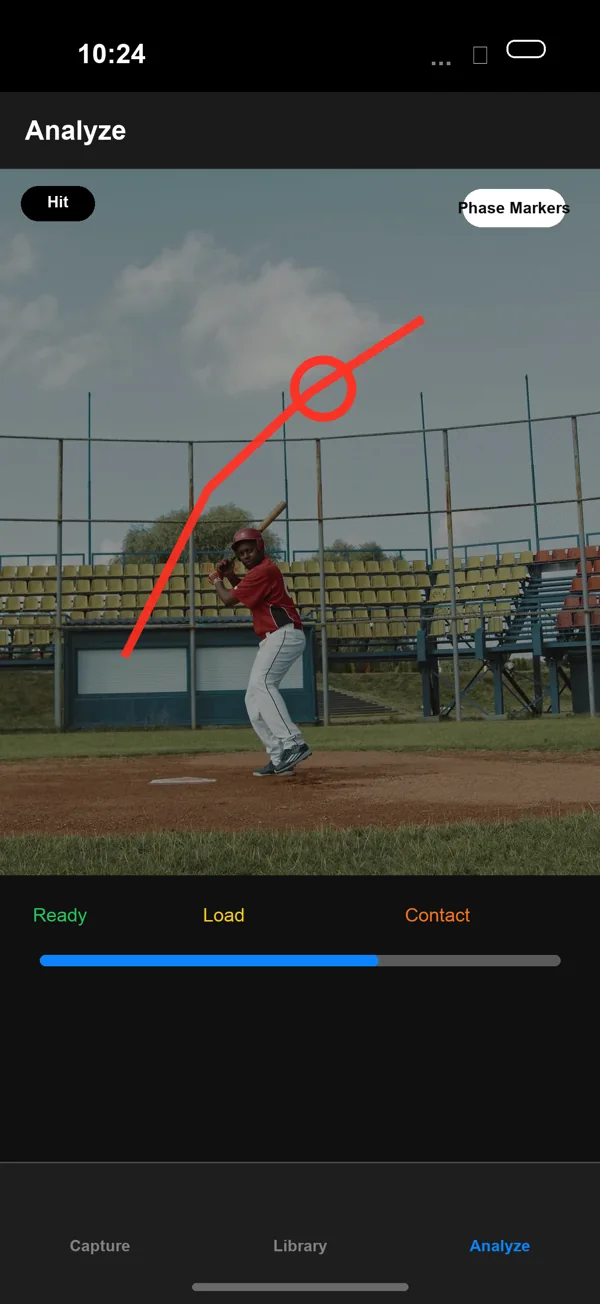
Hit mode keeps ready, load, contact, and follow-through easy to revisit. Pitch mode helps you inspect leg lift, release, and the frames between.
Explore every feature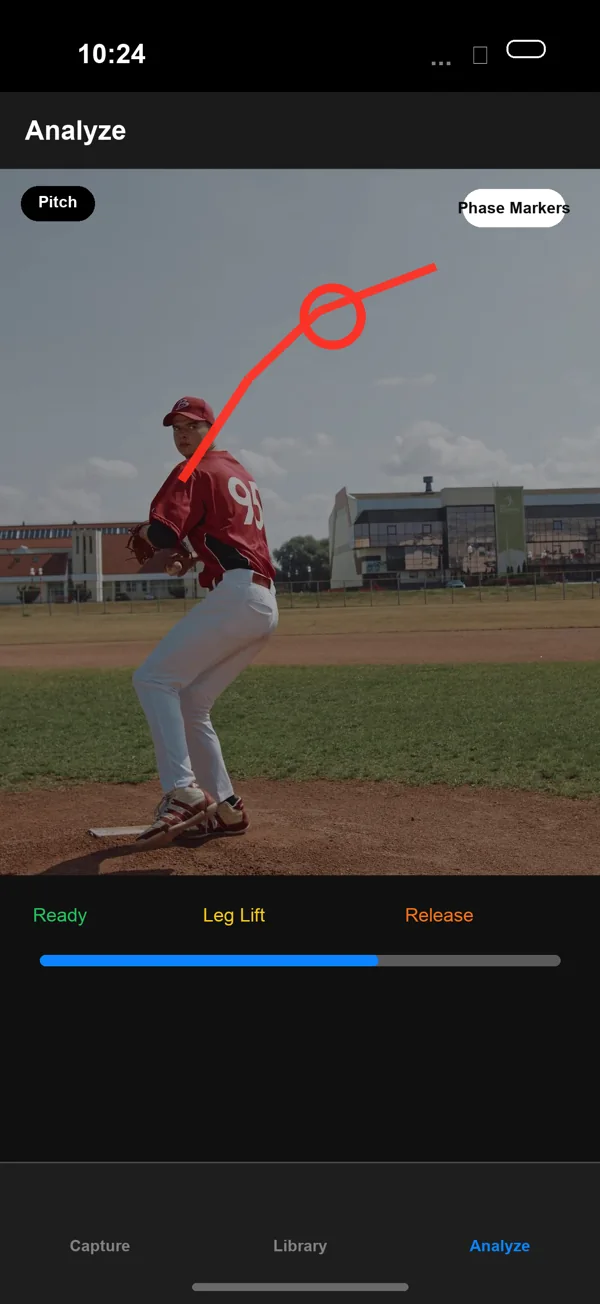
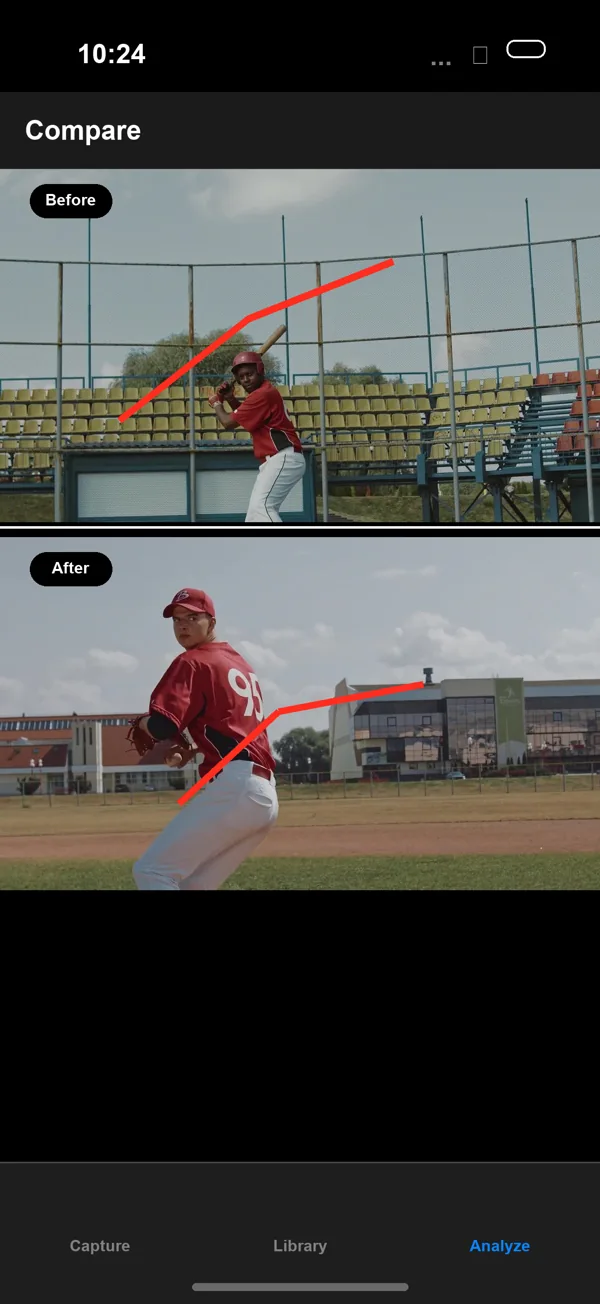
Keep the process focused enough to repeat after every practice, bullpen, or cage session.
Record in BaseballDraw or import a clip from Photos. Use hitting or pitching mode to keep the review focused.
Move frame by frame, inspect pose overlays, and add only the lines or angles that make the checkpoint clear.
Put like-for-like clips side by side and export the exact frame that supports the next conversation.
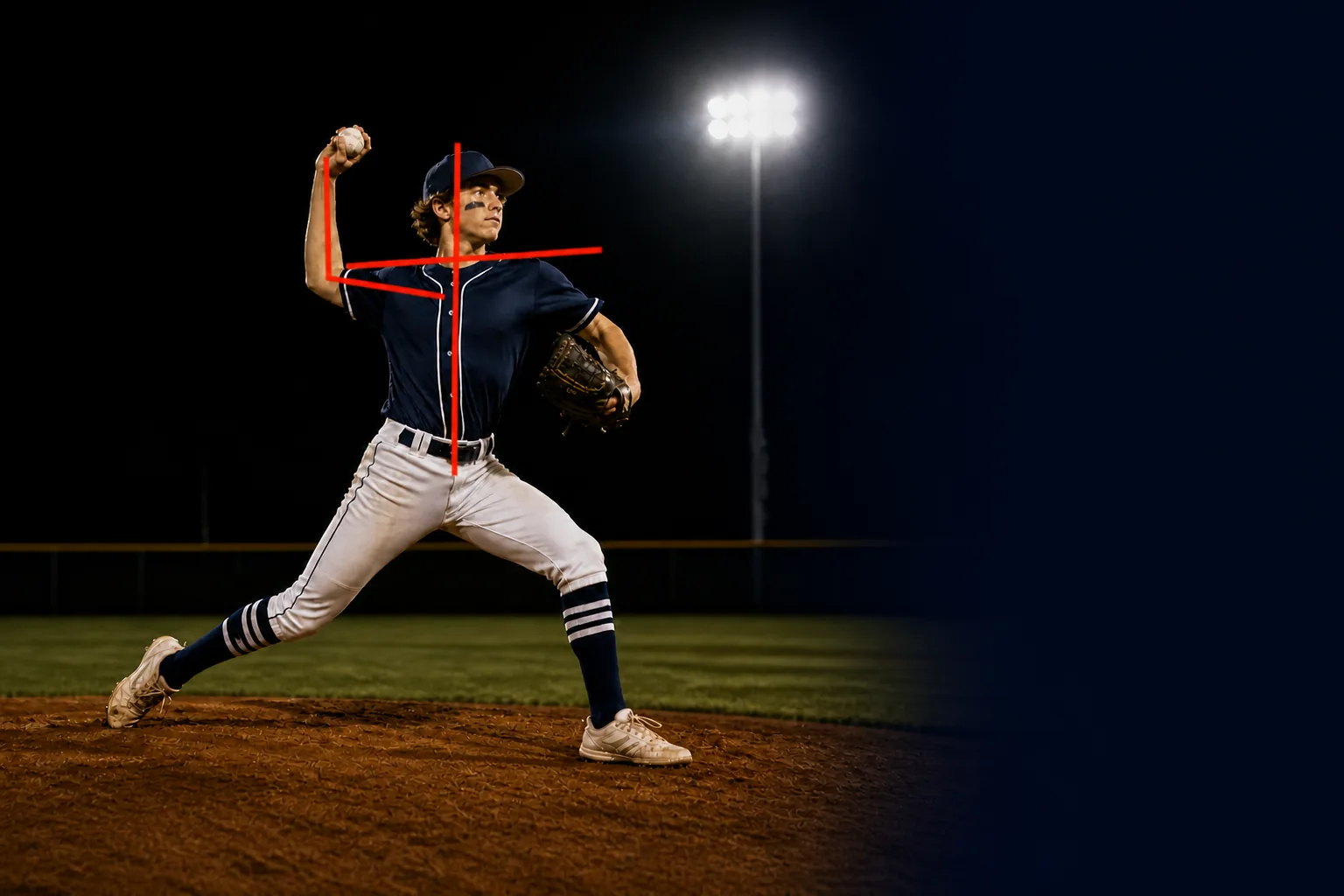
BaseballDraw supports the conversation. It does not invent velocity, spin, injury risk, or an automatic mechanics grade.
Read the product factsFrame-by-frame tools for a specific question from practice.
Find contact, draw a checkpoint, and compare two swings from a similar angle.
Explore the hitting workflow →Inspect foot strike and release, then share the exact frame with your coach.
Explore the pitching workflow →$7.99 on the App Store with every tool included. No subscription, trial clock, in-app purchase, or ad.
See what is included →Use these guides to turn a phone clip into a repeatable review process.
Record a consistent angle, isolate the phase, mark one checkpoint, and compare it with a useful reference clip.
Read the hitting guideInspect balance, stride direction, trunk position, arm slot, and release without making unsupported radar claims.
Read the pitching guideChoose a stable side or rear angle, keep the whole athlete visible, and make later comparisons more trustworthy.
Read the recording guideThe questions people ask most. Read every answer.
Review the movement you can actually see, mark the checkpoint that matters, and keep the next adjustment grounded in evidence.